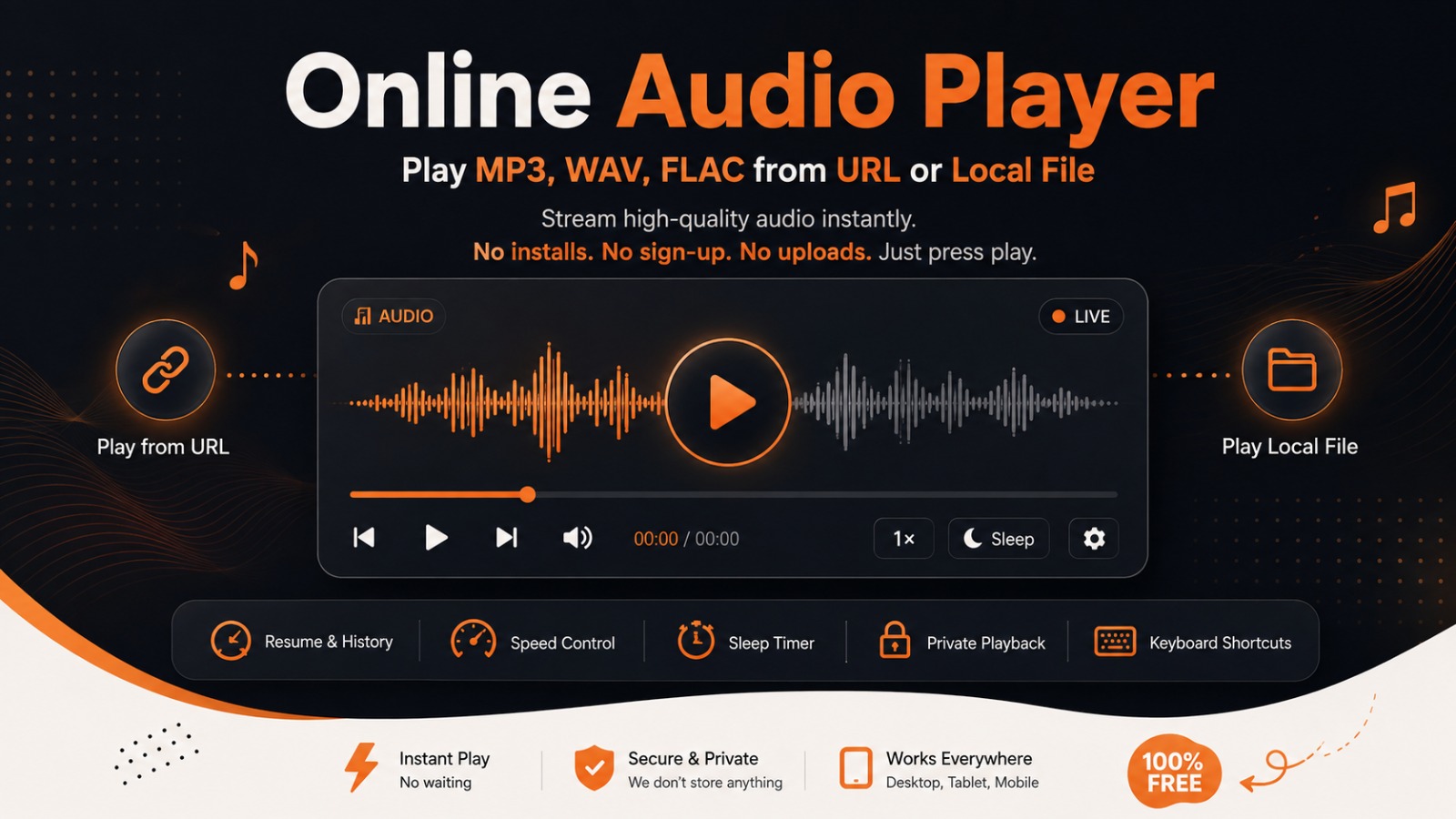
Paste a link and it streams right away, or open a file from your device and it plays without ever leaving your browser. No installs, no sign-up, no uploads — just press play.
Drop audio file here
No audio loaded yet
Paste a URL or choose a local file to begin
Space Play/Pause→ +5s← -5s↑ Vol+↓ Vol−M MuteL Loop
Recently Played
No recent tracks yet.
What Is This Online Audio Player?
This tool runs entirely in your browser tab. Paste a direct link to an MP3, WAV, FLAC or OGG file and it streams instantly, or open a file straight from your device for playback that never leaves your computer. No installs, no accounts, no browser extensions.
Stream MP3, WAV and FLAC from a link, or open a local file — no software to install.
How to Stream Audio from a Link
Grab the direct file link — a URL ending in .mp3, .wav, .flac, .ogg or .m4a.
Drop it into the box above and hit Play, or just press Enter.
Adjust playback with speed, loop, the sleep timer, or keyboard shortcuts once it's running.
How to Play a Local Audio File
Hit File, or drag a track straight onto the player below.
Any MP3, WAV, FLAC, OGG, AAC, M4A or Opus file works.
It starts playing immediately — nothing is uploaded. Embedded title, artist, album and cover art show up automatically when present.
Privacy note: local files — and their tags — are read with the browser's File API and never sent to any server.
Stream from Any Link
Paste a direct MP3, WAV or FLAC URL and it starts right away.
100% Local & Private
Files opened from your device never touch a server.
Resume Later
Recent streams are saved so you can pick up where you left off.
Sleep Timer
Auto-pause after a set number of minutes — handy for podcasts.
Adjustable Speed
Slow down to 0.5× or speed up to 2×.
Cover Art & Tags
Embedded title, artist, album and artwork appear automatically.
Keyboard-First
Space, arrow keys and shortcuts for hands-off listening.
Pairs with Video Player
Need video too? Switch over with the tab above, any time.
Which Audio Formats Are Supported?
For the broadest codec support — including lossless FLAC — Chrome, Edge and Firefox are your best bet.
Format
Type
Chrome
Edge
Firefox
MP3
Lossy
WAV
Lossless
FLAC
Lossless
OGG / Opus
Lossy
AAC / M4A
Lossy
Mostly
If a file refuses to play: your browser can only decode the codecs built into it. MP3 and WAV are supported everywhere and the safest bet — if something won't load, it likely uses a less common codec inside the container, and converting it to MP3 with a free tool usually fixes it.
Sample Test Audio (Open-source)
Double-click either link below — it copies the URL and starts playing automatically.
Yes — no account, no watermark, and no limit on how many tracks you play.
Can I play an MP3 directly from a URL?
Yes. Paste a direct link ending in .mp3, .wav, .flac, .ogg or .m4a and press Play — the only requirement is that the hosting server allows cross-origin playback.
Does it support FLAC and WAV playback?
Yes. Chrome, Edge and Firefox all decode lossless FLAC and WAV natively, with no conversion needed.
Are my local audio files uploaded anywhere?
No. Local files are read with your browser's File API and played entirely on your device — nothing is ever sent to a server.
Does it remember what I've listened to?
Yes. Your recently played URLs are stored locally in your browser with resume support, and you can clear that history at any time.
Does it show the song title, artist and cover art?
For local files, embedded ID3/FLAC tags — including cover art — are read and shown automatically when present. For URL streams this depends on whether the host allows cross-origin access to the file.
Can I use this alongside your video player?
Yes — this audio player and our Online Video Player share the same engine and are both free. Use the Video Player tab above to switch between them.
 OnlineVideoPlayer.net
Online Audio Player
OnlineVideoPlayer.net
Online Audio Player